Instagram
1
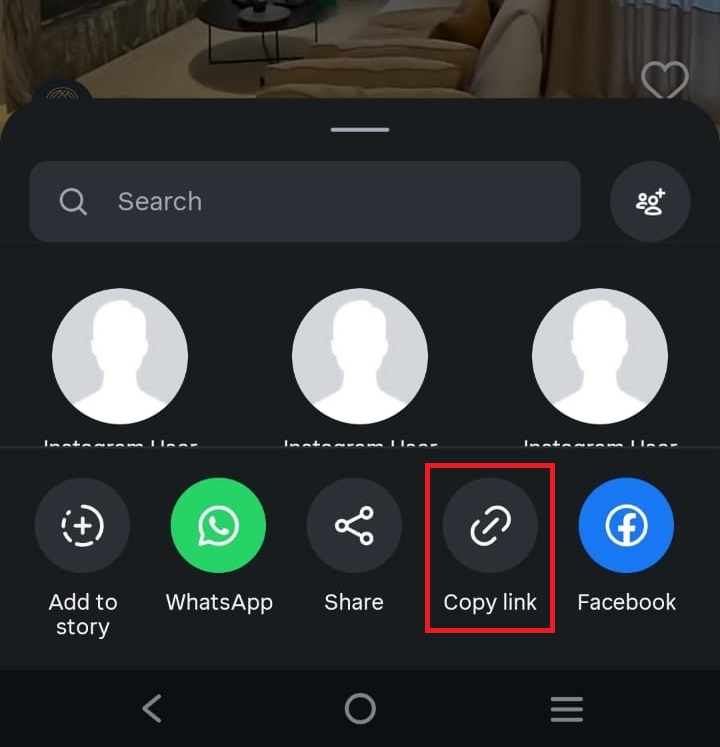
Copy the Instagram link
Open the public Instagram media, tap the share option, and copy the full URL.
Paste a public Instagram carousel post link. The tool will try to download each public photo or video item that Instagram exposes.
Follow these screenshot examples for public Instagram carousel posts.
Open the public Instagram media, tap the share option, and copy the full URL.
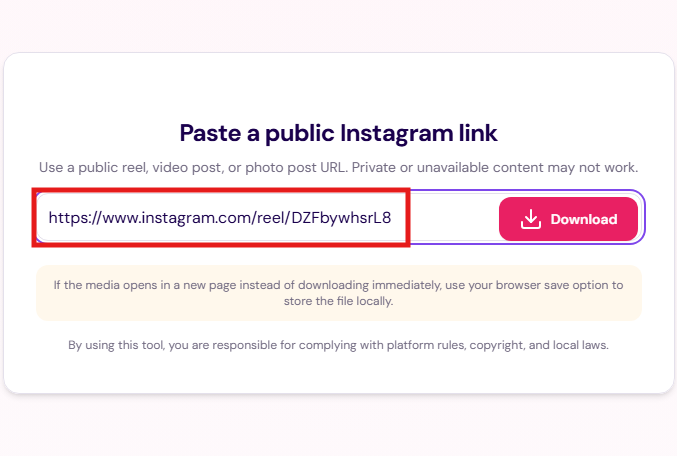
Return to the matching downloader page, paste the URL into the input, and confirm the link looks complete.
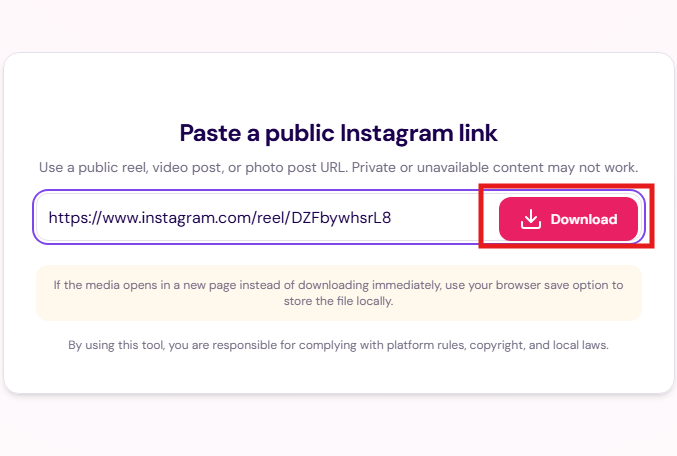
Submit the form and wait while the site checks the public link for available media information.
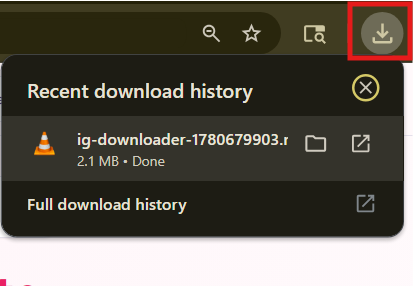
Use the download result, or if the media opens in a new tab, use your browser save option to store it locally.
This section covers the most common questions visitors have before using the downloader.
The downloader is intended for public Instagram reel and video post links. Private, deleted, region-restricted, or unavailable content may not work.
Some browsers open media directly instead of downloading it immediately. If that happens, use the browser save option or right click and save the file manually.
No account is required to browse the site or paste a supported public link into the downloader.
Instagram availability can change over time. A link may fail if the content is private, removed, unavailable in your region, or not exposed in a way the tool can process.
No. Visitors are responsible for complying with copyright, privacy, platform rules, and local laws. Use the tool only where you have the right or permission to save the content.
No. Public visibility only means the post can be viewed publicly. It does not grant permission to repost, sell, edit, or redistribute the creator's media.
Make sure the URL is complete, the post is publicly available, the media is a reel or video post, and your intended use is lawful and respectful of the creator's rights.
The site is designed as a browser-based tool for processing a submitted public URL. Users should review the Privacy Policy for current details about technical data, logs, and service operation.
Yes. Use the Contact page and include the relevant URL, your relationship to the content, the concern, and any supporting details so the request can be reviewed.
If you are unsure whether to use the downloader for a specific post, use this simple checklist before continuing.